

What are Chunking Nodes?
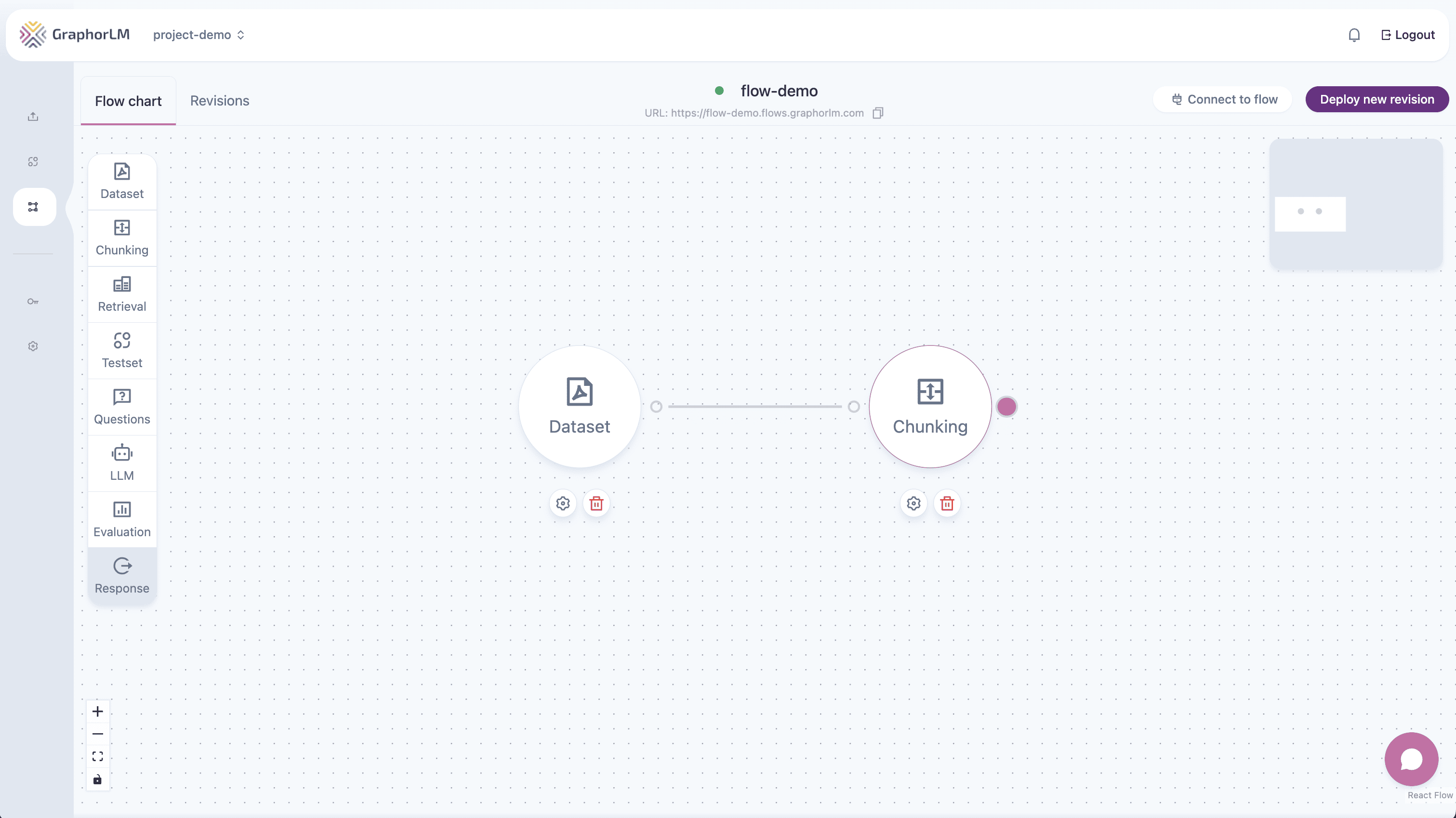
Chunking nodes are processing components that:- Split Documents: Break large documents into smaller text chunks
- Generate Embeddings: Create vector representations for similarity search
- Enable Retrieval: Make content searchable for RAG applications
- Optimize Performance: Balance chunk size and overlap for better retrieval
Available Endpoints
List Chunking Nodes
Retrieve all chunking nodes from a specific flow
Update Chunking Configuration
Modify chunking node parameters and settings
Chunking Node Structure
Each chunking node contains:Configuration Options
Embedding Models
- text-embedding-3-small: Fast, efficient embeddings
- text-embedding-3-large: High-quality embeddings
- colqwen: Multimodal embedding model
Splitter Types
- character: Split by character count (fast)
- token: Split by token count (language-aware)
- semantic: Split by semantic boundaries (high quality)
- element: Split by document elements
Key Parameters
- chunkSize: Characters or tokens per chunk (500-2000 recommended)
- chunkOverlap: Overlap between chunks (10-20% of chunk size)
- chunkSeparator: Text separator for splitting (default: “\n\n”)
Authentication
All endpoints require API token authentication:Learn how to generate API tokens in the API Tokens guide.
URL Structure
Chunking endpoints follow this pattern:{flow_name}: Your deployed flow name{node_id}: Specific chunking node ID (for updates)
Response Format
All endpoints return chunking nodes with this structure:Error Handling
Common error responses:| Error Type | HTTP Status | Description |
|---|---|---|
| Authentication | 401 | Invalid API token |
| Flow Not Found | 404 | Flow doesn’t exist |
| Node Not Found | 404 | Chunking node doesn’t exist |
| Invalid Config | 400 | Configuration validation failed |
Next Steps
List Chunking Nodes
Explore existing chunking nodes in your flows
Update Configuration
Learn how to modify chunking parameters
Deploy Flow
Deploy your updated flows
Chunking Guide
Advanced chunking strategies